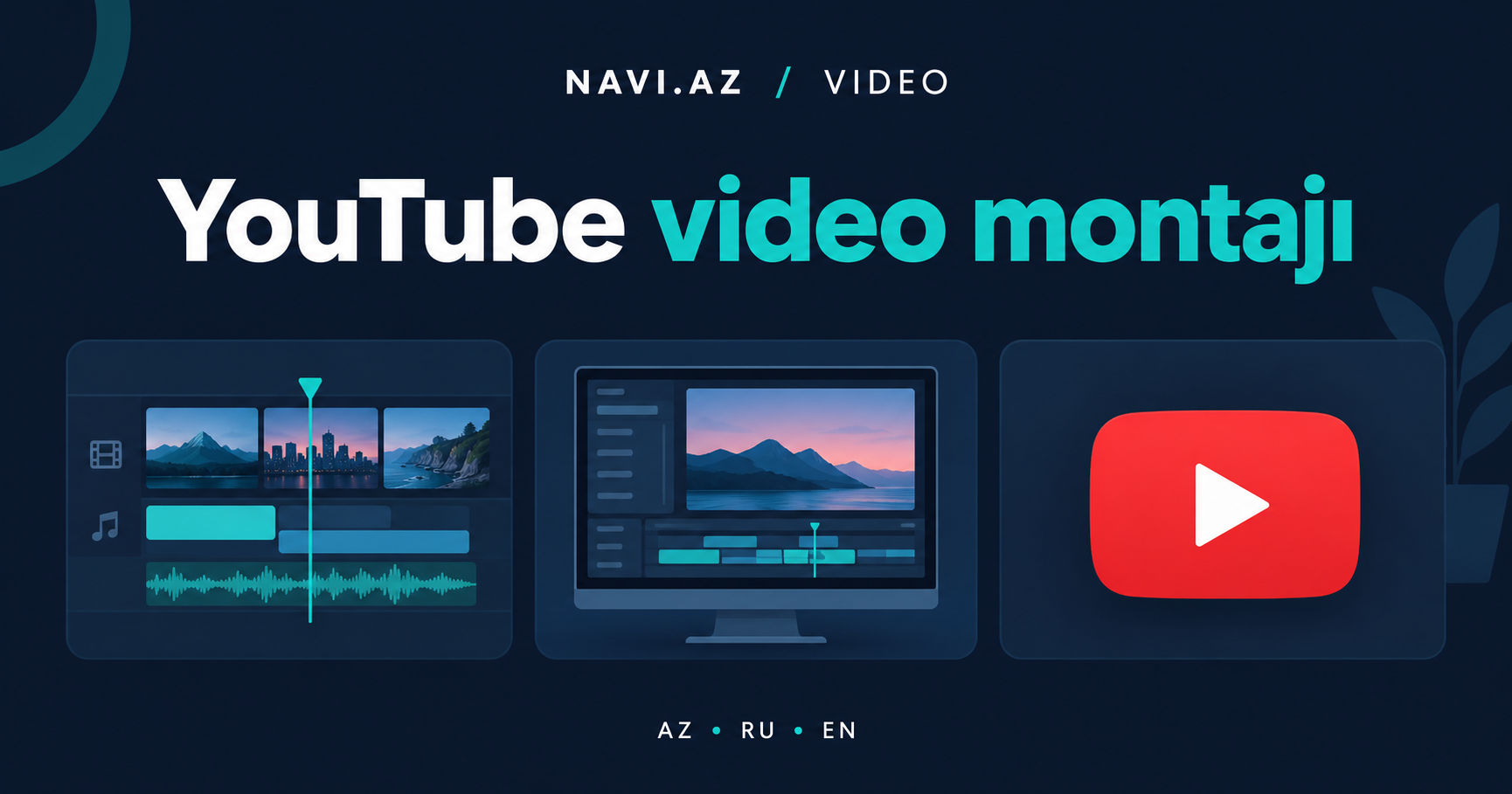
Starting a YouTube channel is fairly simple, but the editing skill that actually keeps viewers watching takes time to build. This article walks through the basics for beginners and the mistakes people make most often.
Which software to start with
You don't need complicated, professional-grade software to start - CapCut, DaVinci Resolve's free version, or simple mobile apps offer more than enough. The main thing to look for is whether the tool feels intuitive to you.
Planning your footage before you shoot
Most of the editing work actually starts before the camera turns on - thinking through which shots you'll need in advance cuts down editing time significantly afterward. Even a short shot list or script is worth having.
Selecting and trimming your footage
Watch through all the raw footage, pick the best parts, and cut long pauses and repeated lines. This stage takes time, but it's what sets the pace for the whole video.
Transitions and pacing
Sharp, fast cuts usually suit high-energy content, while soft transitions work better for calmer, narrative-driven videos. The main rule: a transition shouldn't draw attention to itself - it should serve the content.
Balancing sound and music
The narration should always be clearly audible over the background music. Lowering the music's volume during speech - a technique called "ducking" - is an important step toward a professional result.
Why the thumbnail and title matter
Even great editing won't save a video if the thumbnail and title are weak - viewers simply won't click. A clear, high-contrast thumbnail paired with a title that sparks curiosity raises the click-through rate.
When it's worth calling in professionals
Editing your own videos for a personal channel is completely normal, but brand or ad content is held to a higher quality bar. In those cases, working with a professional editing studio like Mobilograf.az delivers a more reliable result.
FAQ
How long does it take to learn video editing?
You can pick up the basics in a few weeks, but developing your own style takes ongoing practice.
Are free editing programs enough for YouTube?
Yes, for most beginner channels free programs like CapCut and DaVinci Resolve are more than enough.
How often should you edit a video?
That depends on the channel's format, but vlog-style channels usually need an edit after every shoot.