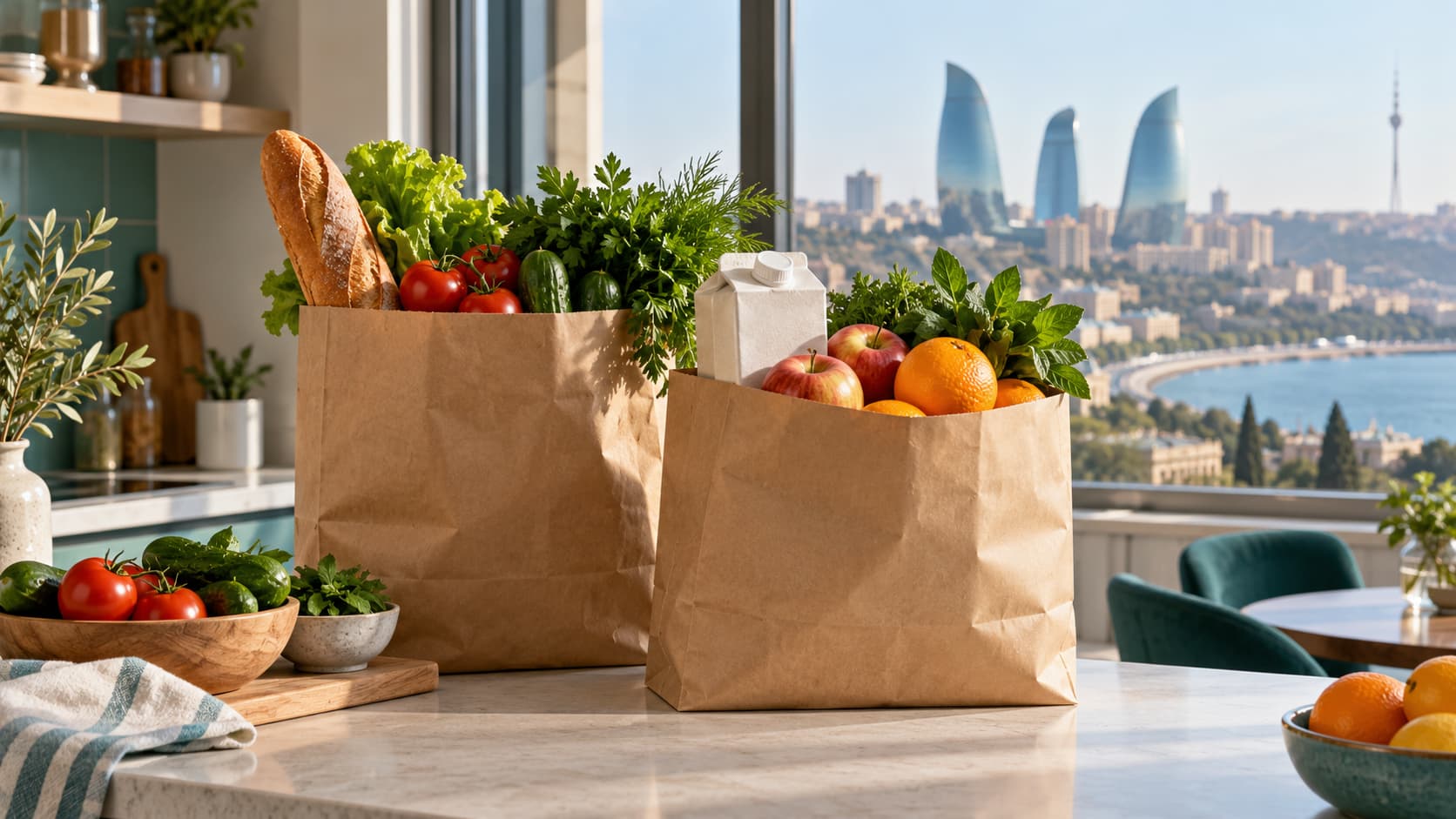
Grocery delivery in Baku makes everyday shopping easier, whether you need ingredients for dinner, a fridge refill or a full weekly shop. A convenient order depends on more than a fast courier. You also need a useful selection at your address, a clear final total, sensible substitution options and a straightforward way to resolve problems.
This guide explains where to look, how to compare offers and what to check before paying. Service information was checked on 10 October 2026. Stock, delivery areas, fees and promotions can change, so confirm the current terms after entering your address.
Where to order groceries in Baku
Wolt and Wolt Market. The Wolt Baku directory includes grocery shops, Wolt Market and individual supermarkets. Enter your address to see the available locations.
Bravo Online. The official Bravo website features Bravo Online. Orders can be placed through the Bravo app; check the current conditions there.
Bolt Food and Bolt Market. Bolt Food lets you order groceries from partner supermarkets, while Bolt Market is an online supermarket within the same app. The selection may include fresh produce, pantry staples and household essentials. Enter your address to see available shops, and check separately whether Bolt Market serves your area. See the official Bolt Food grocery delivery page for Azerbaijan for more information.
To order, open Bolt Food, enter your address, choose a shop and add products to your basket. Before paying, review the full total, promotion conditions and estimated arrival time. You can follow the order status and courier in the app. Delivery speed depends on your location and current conditions, so use the estimate for your specific order.
Direct orders from local shops. If you already buy from a neighbourhood retailer, ask whether it accepts orders through its website or by phone. Before paying, agree on the products, delivery arrangements, payment method and process for handling mistakes. You can look for shop contacts and service descriptions in the Navi.az directory.
How to choose the right option
Start with your address. Shops and delivery terms may differ between Yasamal, Nasimi, Khatai and other districts, and even nearby buildings can be served by different locations. Enter the full address before comparing baskets.
For an urgent order, check the current delivery estimate and whether one shop has everything you need.
For a weekly shop, compare the range, larger pack prices and any conditions for delivering heavy purchases.
For a particular brand, inspect the name, weight, ingredients and product version. Similar packaging does not mean the contents are identical.
For regular orders, consider how easily you can reorder and contact customer support.
An advertised delivery time is not a guarantee for every address. Use the estimate shown for your order and allow extra time if you need the groceries for a particular occasion.
What does grocery delivery cost?
Compare the full checkout total. It may include the price of the groceries, delivery, a service fee and a small-order charge. The exact charges depend on the service and should be visible before you pay.
A useful comparison: groceries + delivery + mandatory fees − applied discounts. For fruit, vegetables or meat sold by weight, check whether the total can change once the items are weighed.
For example, a 45 AZN basket with 3 AZN delivery and a 1 AZN fee costs 49 AZN. A 47 AZN basket without extra charges is cheaper overall. These figures illustrate the calculation; they are not current service prices. Also check the minimum order value. Combining purchases you already need may make more sense than paying a surcharge for a small basket.
How to place an order without avoidable mistakes
Make a shopping list and check what you already have. Separate essential items from products you are happy to substitute.
Enter the street, building number, entrance, floor and a useful landmark. Check the map pin and contact number.
Confirm weights and quantities. One pack, one kilogram and one individual item are different ordering units.
Review substitutions. If the setting is available, allow an appropriate alternative or choose to remove unavailable items.
Check the final total, payment method and estimated arrival. Keep the order confirmation.
Stay reachable during picking and delivery. The shop may need to discuss an alternative, and the courier may need help finding the entrance.
Managing substitutions and missing stock
Decide in advance what matters most: the brand, pack size, ingredients or price. For milk, you might specify an acceptable fat percentage and volume; for fruit, the type and quantity. If an ingredient is unsuitable for you, do not accept a replacement simply because its name looks similar.
Check how replacement prices are calculated and what happens to the payment for an unavailable item. Refund procedures and payment processing times vary by service and payment method. Do not assume a more expensive alternative will be charged at the original price.
What to check when the groceries arrive
Compare the delivered items with your order list. Check packaging, expiry dates, the condition of fruit and vegetables, and whether brands and sizes match your selections. Put perishable and frozen products into storage according to the instructions on their packaging.
If something is missing, damaged or different from your order, photograph the item and packaging, keep the order number and contact support. Describe the specific issue and the outcome you would like: a refund for the item, a replacement or a correction. Check the seller's rules for reporting deadlines and available solutions.
How to save on repeat orders
Compare the price per kilogram or litre, rather than only the pack price.
Buy larger packs when you can use the contents before they expire.
Combine necessary purchases without adding unwanted products to qualify for free delivery.
Read promotion conditions, including expiry dates, minimum spending and restrictions on shops or customers.
Check prices and availability again before repeating an old basket.
Frequently asked questions
Can I order groceries anywhere in Baku?
Coverage depends on the individual shop. Enter your address in the service: appearing in the city directory does not guarantee delivery to your building.
Is free delivery available?
It may be offered through a promotion or when certain conditions are met. Check the checkout total, because a zero delivery charge does not necessarily remove other fees.
Do I need to install an app?
The ordering method depends on the service. Some sellers accept website orders, while others use an app or direct ordering. Check the official service page.
Can I choose a delivery time?
If the service offers delivery slots, select one at checkout. Otherwise, use the current estimate and allow some flexibility for arrival.
Getting started
Choose two options available at your address and build the same basket in each. Compare the total cost, delivery estimate and substitution rules. For a first order, a small selection of familiar products is a useful way to assess picking quality and communication with support. Use Navi.az to find local shops, then confirm ordering conditions with your chosen service.
Official sources: Wolt Baku and Bravo. Checked on 10 October 2026.